MCP Servers for 3D and Game Dev: Tool Design Is the Product
An MCP server that exposes run_python helps an agent with nothing. What separates a 3D tool surface an agent can actually use from one it cannot.
Every MCP server for a 3D application eventually reaches the same fork. You can expose one tool — run_python(code) — and hand the agent the entire application API in an afternoon. Or you can work out which twenty operations a location actually needs and expose only those, which takes weeks. The protocol work is identical either way; what the agent can then do is not.
MCP in two hundred words
The Model Context Protocol is a wire format, not a technique. A host — the AI application you sit in front of, an agentic CLI or an IDE — spins up one client per connection, and each client talks to one server: a plain program answering JSON-RPC, either over stdin and stdout on your own machine or over HTTP.
A server offers three things. Tools are functions the model may call, each with a name, a description and a JSON Schema for its arguments; they do the work. Resources are read-only data the host can pull in — a file, a schema, a manifest. Prompts are canned templates a user picks from a menu. In 3D servers, tools carry nearly all the weight; resources appear occasionally, prompts almost never.
Anthropic published MCP in November 2024 and donated it to the Linux Foundation's Agentic AI Foundation a year later; OpenAI, Google, Microsoft and AWS sit on the steering committee. As far as a tool author is concerned that is the whole protocol — which is exactly why it is not the interesting problem.
The tool surface is the product
What run_python costs you
A single code-execution tool looks maximal: everything the application can do, exposed at once. In practice it gives the agent nothing it did not already have. To use it, the model must recall the API from memory — module paths, argument order, the up-axis convention, the units — and that memory froze at training time while the build on your disk did not. The loop becomes: write a script, read a traceback, fix a name, read the next traceback. A row of houses along a street burns twenty round trips, fifteen of them recovery. And the tool has no edges: the script that adds a cube deletes the scene with identical privileges.
The same job one level up
Now give the agent tools shaped like the job instead:
get_scene_summary()
create_road_network(layout, length_m, lanes, sidewalks)
place_buildings_along(road_id, count, storeys, facade)
set_sun(azimuth_deg, elevation_deg)
The street of twelve houses becomes three calls and one read-back. The agent no longer needs the API, because the tool list is the plan. Turn count drops by roughly an order of magnitude — and more useful than the speed, every turn that fails now fails somewhere you can read.
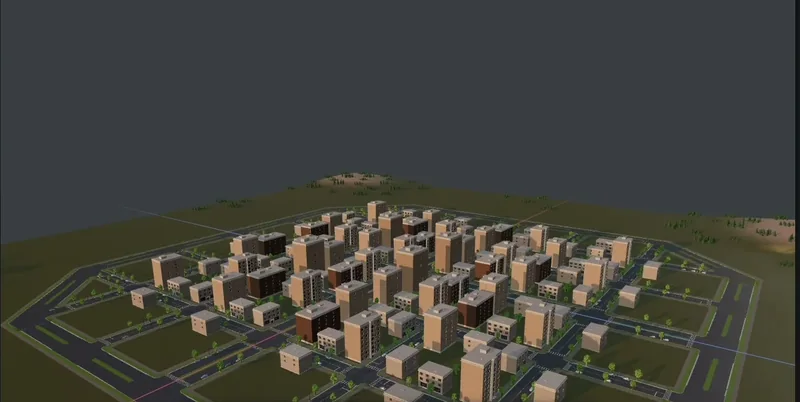
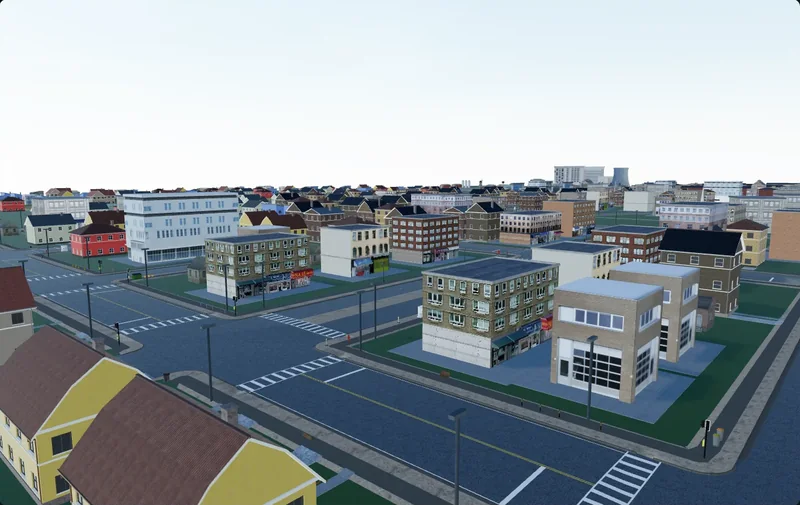
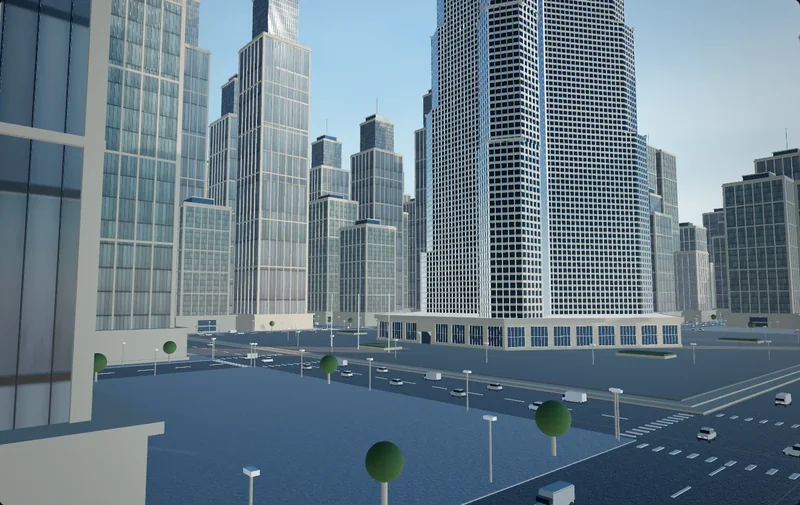
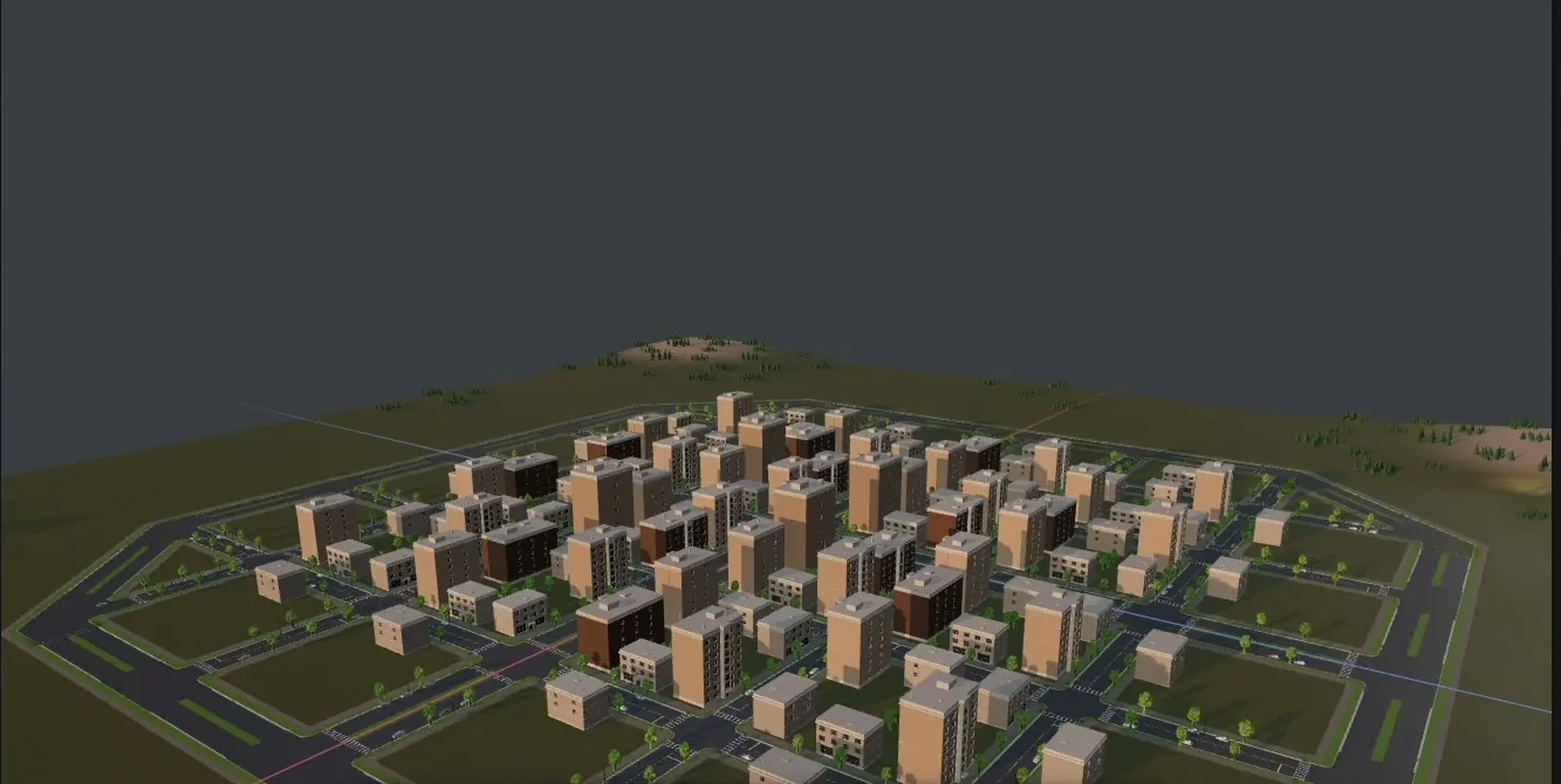
This is the same argument as generating a scene rather than an object: composition is a different problem from geometry, and the tools have to be about composition.
How coarse is too coarse
Going too far up is its own failure. A single build_city(prompt) is a slot machine: one lever, no way to adjust what you dislike. The useful altitude is roughly this — a tool should match something a level designer would say out loud. "Fill this block with two-storey houses." If you cannot say the tool as a sentence, it is at the wrong height.
- Fifteen to forty tools, not four hundred. Every definition sits in the context window before the user types anything, and long catalogues measurably degrade tool choice.
- Eight arguments or fewer per tool. Past that, models fill fields by guesswork.
- Enums over free text wherever the set is closed.
facade: brick | render | glasscannot be hallucinated; a string can. - Units in the argument name.
length_mends an entire class of bug.
Read-back is the half people skip
An agent that can only write is working blind. It has no eyes on the viewport, and after four calls its idea of the scene is a story it told itself. Everything good in agentic 3D comes from closing that loop, and the loop closes on a read tool.
A good scene summary is a summary, not a dump — every transform of every object is both enormous and useless. What the agent actually needs is:
- counts by category, and the overall bounding box in metres;
- stable ids for anything it might later modify;
- relationships — which buildings sit on which road, which room holds which props;
- and above all the problems: a road with a dangling end, two meshes intersecting, a building facing away from the street.
That last item is the difference between a read tool and a diagnostic tool, and the diagnostic is worth far more: an agent will fix what you tell it is broken, but will rarely notice on its own. A viewport screenshot is a read tool too: it settles "does this read as a street" better than any coordinate table, and "is this wall 4 cm out" not at all. Ship both.
Idempotency, or the road built three times
Agents retry. Clients retry. A call times out while the editor is busy, the client re-sends, and two identical road networks are now fighting over the same z.
The fix is to make writes addressable. A tool that creates something returns a stable id, and calling it again with that id updates rather than appends. place_building(building_id, ...) run twice is one building. place_building(...) run twice is two.
MCP has vocabulary for this. Tool annotations — readOnlyHint, destructiveHint, idempotentHint, openWorldHint — arrived in the 2025-03-26 revision, and a host uses them to decide what to auto-approve and what to stop and ask about. They are hints, not enforcement, and an unannotated tool is assumed to be the worst case: destructive, non-idempotent, reaching the open internet. Marking your read tools read-only is ten minutes of work that removes a confirmation prompt from every loop.
Errors are prompts
An error message from a 3D MCP server has one reader, and it is not a person. It is a model deciding what to do next, with no debugger and no source. Written for that reader, errors are the cheapest teaching surface you have.
| What the tool returns | What the agent does next |
|---|---|
| "Invalid argument" | Retries the identical call, then guesses. |
| A 40-line Python traceback | Spends 500 tokens and learns a line number. |
| "lane_width_m must be 2.5 to 6.0, got 45" | Calls again with a valid width. |
| "No road r_07. Roads present: r_01, r_02, r_03." | Corrects the id without a read-back call. |
So: say what was wrong and what would be right, name the tool that resolves it, and report partial success honestly. If 34 of 40 trees landed, say which six did not — "success" on a partial result is how an agent builds three storeys on a bad foundation.
Blast radius
An agent editing source code can be reverted with git. An agent editing a 3D scene is working on a document somebody shaped by hand for hours, usually with no version control at all. The failure mode is not a bad commit; it is a deleted afternoon.
Undo, bounds, and tools that cannot reach
- One tool call, one undo step. If placing forty trees leaves forty entries on the undo stack, undo is decorative.
- Bounds in the server, not the prompt. "Only build inside this polygon" written in a prompt is a suggestion; the same rule as a bounds check inside the tool is a guarantee. Marked no-build areas belong in that second category.
- Scope the destructive verbs.
delete_selectionis fine.delete_allshould not exist, or should sit behind an explicit confirmation — MCP's elicitation lets a server ask the user mid-call.
The injection surface nobody budgets for
Tool output is untrusted input. A server that searches a community asset library returns titles and tags written by strangers, and that text lands in the agent's context next to your instructions. Tool poisoning — hidden instructions inside what a tool returns — is a documented attack class, and asset metadata is an ideal carrier. Keep the decision about which tool runs next away from text that arrived over the network.
Cuberta takes the narrow version of this bargain. It is a free desktop editor that exposes its own MCP server: you press Copy connect command, paste it into a terminal, and your agent is connected. Everything it builds is a selectable object you can move, delete or undo, inside the areas you marked as buildable.
What exists today, by category
The 3D-adjacent MCP ecosystem sorts into four shapes.
- DCC bridges. An add-on inside Blender, Maya, Houdini, Cinema 4D or a texturing app holds a socket, and a small external process relays MCP calls into it. The best known is Blender MCP. Nearly all of them ship a code-execution tool, which is the
run_pythonproblem in its natural habitat; the trade-offs there deserve their own article. - Asset-library and generation servers. Sketchfab, Poly Haven, Meshy, Tripo, Hyper3D Rodin. Search, preview, download, import — the easiest servers to build, read-mostly and thoroughly open-world, which makes annotation and injection hygiene matter most here.
- Engine bridges. Unity, Unreal, Godot and Roblox Studio all have them. Most are community projects — the widely used Unity one is not affiliated with Unity Technologies — but Unreal Engine 5.8 shipped an experimental first-party MCP plugin from Epic, with toolsets for actors, scenes and material instances. The recurring hazard is asynchrony: a tool that edits a script and returns before the editor recompiles reports a success the agent cannot rely on.
- Purpose-built editors. Applications designed around an agent from the start, where the MCP surface is the primary interface rather than a wrapper over an older API. Cuberta is built this way — the only category free to choose its own granularity.
If you are writing one
Start from a transcript, not from your API. Write down ten sentences a user would actually say to your application, in their words. Those sentences are your tools; the API you already have is an implementation detail underneath them. Then:
- Ship the read-back tool first and use it yourself. If you cannot understand your own scene summary, neither can the model.
- Name tools after outcomes —
place_buildings_along, notbatch_transform_instances. - Test with an agent you have given no system prompt and no examples. Anything it gets wrong on the first attempt is a tool problem, not a model problem.
A tool surface is a design document. It states what your application believes a scene is made of, at what granularity a person thinks about it, and which mistakes are cheap. Agents are very literal readers of that document, which is why writing it carefully is most of the work — and why the protocol underneath is the easy part.