How to Optimize an AI-Generated 3D Scene for Games
Generated locations fail differently from hand-built ones. Measure first, then fix materials, instancing, LODs, textures and culling in that order.
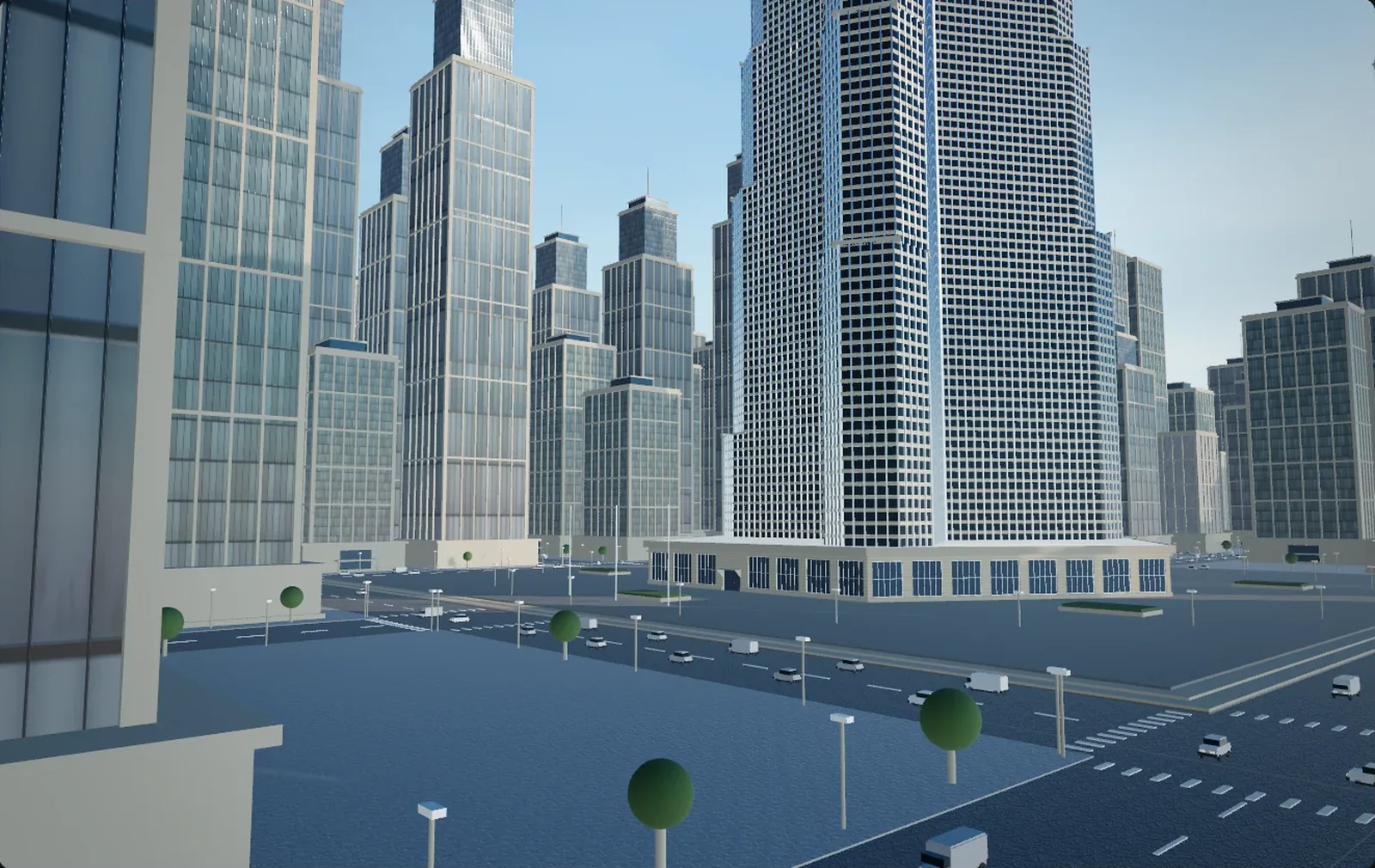
A district an agent built in eleven minutes will often run at 20 fps on a machine that plays a shipped open-world game at 90. The instinct is to delete triangles. That is almost always the wrong first move: generated scenes rarely fail on triangles. They fail on the number of times the renderer has to stop and change its mind.
Generated scenes fail in their own way
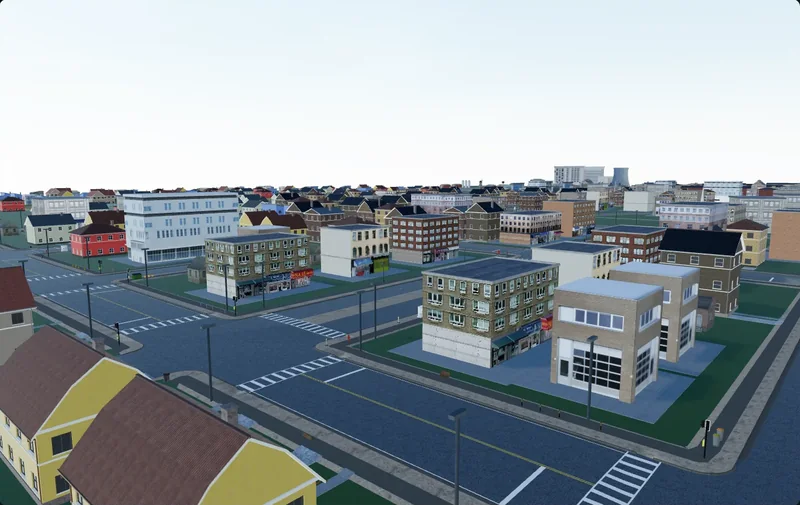
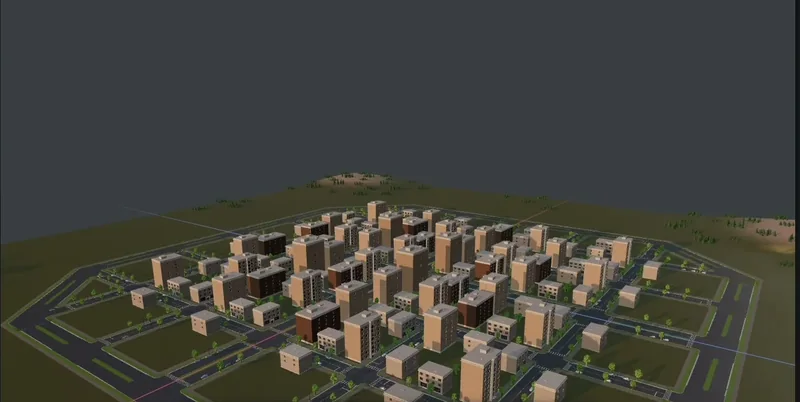
Whatever produced the location — a retrieval-and-placement city generator, a procedural tool, or an agent driving a real editor such as Cuberta and exporting GLB or FBX with textures — the import tends to share a profile:
- Hundreds of unique materials where a level artist would have used twelve.
- Every object its own mesh. Two hundred and forty identical lamp posts arrive as 240 assets, not 240 instances of one.
- No LOD chain anywhere. The same mesh renders at 5 m and at 300 m.
- Texture memory spent uniformly. A 2048 albedo on a roof ridge you never get within 40 m of, because resolution was assigned per object rather than per screen size.
- Overlapping and coplanar geometry. Markings at exactly the road plane, kerbs sunk into pavements, walls sharing faces with their neighbours.
- No occlusion structure. Nothing static, nothing marked as an occluder, interiors without room volumes.
None of it is a bug. It is what happens when software optimises for the layout being correct rather than for how the result gets submitted to a GPU. Each item has a specific fix, and the order matters, because the first fix changes the measurement that would have justified the second.
Measure before you change anything
Work in milliseconds, not frames per second: 60 fps is 16.7 ms, 120 fps is 8.3 ms, and milliseconds subtract while frame rates do not. Then read these counters.
| Counter | What it measures | Generated-scene symptom |
|---|---|---|
| Batches / draw calls | Submissions the CPU builds per frame | Almost equal to renderer count: nothing is batching |
| SetPass calls | How often state, textures and shader are rebound | Within a few percent of batches, tracking material count |
| Triangles | Geometry throughput | Usually fine on desktop, usually the problem on mobile |
| Texture memory | Resident VRAM for maps | Gigabytes: hitches and streaming pops, not a low average |
| Thread and GPU times | Which side is waiting | Main thread high, GPU idle |
Which side is waiting
The fastest diagnosis costs one setting: halve the render resolution. If frame time drops sharply you are GPU bound, because you just removed pixels. If it barely moves you are CPU bound, and for generated content that almost always means draw-call submission. Profilers say it more precisely — in Unity a main thread sitting in Gfx.WaitForPresentOnGfxThread waits for the GPU and a render thread in Gfx.WaitForCommands waits for the main thread; in Unreal, stat unit puts Game, Draw and GPU side by side and the largest of the three is your budget.
Why the order matters
Consolidate materials and the batch count can fall by an order of magnitude. A district that read as CPU bound is now GPU bound on shadow depth, and the LOD work you were about to do is either suddenly the right work or suddenly unnecessary. Fix one thing, measure, then choose the next from the new numbers.
Materials, atlases and instancing
Why batching depends on shared materials
A draw call is expensive not for what it draws but for what has to change before it: textures bound, constant buffers uploaded, sometimes a different shader in the pipeline state. Two objects sharing a material can merge into one submission; two with different materials cannot, however identical their meshes. That is why every batching path in every engine has "same material" among its preconditions.
One nuance is worth knowing. Unity's SRP Batcher groups by shader variant rather than by material, pre-uploading each material's properties into constant buffers, so a hundred materials on one lit shader still batch. It spares the CPU cost of rebuilding material data, not the texture bindings or the texture memory — variant count becomes the number to keep in single digits. Unreal leans on instanced static meshes and Nanite clusters instead. Engine specifics belong in their own posts; see the Unity write-up for that side.
Consolidating a generated town
Sort materials by area covered, not by count. The palette collapses fast: asphalt, kerb, pavement, brick, render, concrete, glass, roof tile, metal, painted wood, foliage. Ten to fourteen sets cover a residential district. Then pick a method per group — atlas distinct albedos into one sheet and remap the UVs, which suits unique props that stay small on screen; or tile plus trim, replacing unique unwraps with a shared repeating material and a trim sheet for edges, which suits facades, roads and pavements.
Atlas the props, tile the architecture. Past roughly four metres of surface, unique texels stop being affordable: a 12 m facade at 512 pixels per metre needs a 6144-pixel-wide map, and nobody is paying for that.
The cheapest fix is upstream. Rebuilding a block with an explicit palette of ten named materials costs less than merging 300 afterwards, and in an editor where you watch the build, select anything in the viewport and undo any step, that correction takes seconds.
Instancing, and what qualifies
Instancing draws many copies of one mesh in a single submission with per-instance transforms. The conditions are strict: same mesh, same material, a shader built for it. A different tint qualifies only if the variation lives in per-instance data rather than in a second material. Unity's ceiling is 1023 instances per batch, or 511 when the shader needs a per-instance inverse matrix — the uniform-scaling pragma removes it, and indirect drawing lifts the cap entirely.
Generated districts are good candidates, because the generator already reused one source object for every bollard, bench and tree. What destroys it is an export that writes each placement as a separate mesh with the transform baked into the vertices. Whether your 240 lamp posts came through as 240 assets or as 240 instances is often the highest-leverage question you can ask about an export.
LODs, impostors and a district policy
You do not want to author 400 LOD chains. Rank meshes by triangles times instance count times typical screen coverage and let the ranking decide the effort: the top twenty get checked chains, the rest get an automatic two-step reduction or nothing. A workable starting policy is LOD0 full, LOD1 at about half the triangles, LOD2 at about a fifth, then a billboard or nothing. Set the switches by screen-relative size rather than metres — Unity's LOD Group and Unreal's LOD screen size both work this way — because a distance tuned for 60 degrees at 1080p is wrong the moment either changes.
The far ring is where impostors earn their keep: one baked billboard standing in for a whole block. Unreal's World Partition builds this as layered HLODs, the furthest layers reduced to merged proxies and impostor quads. Nanite makes per-mesh LOD mostly moot for opaque rigid geometry in UE5, but it is not universal cover — masked materials cost close to their full opaque area, very small meshes fall under the pixel threshold, and thousands of tiny Nanite meshes carry real per-instance overhead. It will not reduce your material count. More on that in the Unreal article.
Texture budget is arithmetic, not taste
A texture never needs more texels than the pixels it covers on screen at the closest the player gets. Everything above that is memory you paid for and mipmapping throws away.
At BC7, eight bits per texel, a 2048 square map is 4 MB, about 5.3 MB once mipmaps add their 33 percent; BC1 halves it. Suppose an import hands you 180 unique materials, each with albedo, normal and a packed roughness-metal-occlusion map at 2048: that is 540 textures, roughly 2.8 GB. Consolidate to fourteen sets and it becomes 42 textures, about 220 MB, half of them roofs and upper storeys that drop to 1024 unnoticed.
Set one texel density for the district and let resolution follow from surface size. Around 512 pixels per metre is a common environment standard, with 1024 reserved for surfaces the camera gets close to. Then check against the screen: an object 40 m away covering 60 pixels of screen height samples around mip 5 of a 2048 map, so the top four mip levels exist only to be skipped. Streaming softens the crime; build size, bake time and the first-visit hitch stay real.
Culling, and why generated interiors need cells
Frustum and distance
Frustum culling is automatic and cheap, and it does nothing when you stand at the end of a straight avenue with the whole district in front of you — exactly the shot people screenshot a generated city with. Distance culling is the cheapest real win: Unreal's Cull Distance Volumes map object size to a cull distance, Godot has a visibility range on each geometry instance, Unity has per-layer camera cull distances. Bins, signs and bollards can vanish between 40 and 80 m unnoticed, and that is thousands of submissions.
Occlusion
Occlusion asks the harder question of what is hidden behind what. Unreal defaults to GPU occlusion: hardware queries plus a hierarchical Z-buffer path that samples a mip chain of scene depth and is deliberately conservative, culling less in exchange for cheaper tests, with precomputed visibility available for weaker hardware. Unity bakes with Umbra, which voxelizes the scene offline, organises it into cells and portals, and queries a low-resolution depth hierarchy at runtime. Godot 4 ships occlusion culling off; you enable it in the rendering settings, then bake or place occluders by hand. All three need to know which geometry is static and which is a legitimate occluder, and a fresh import has neither flag set — marking buildings, terrain and roads static while keeping small props out of the occluder set is minutes of work that switches the system on.
Interiors need cells or portals
Generated interiors fail in a specific way: walls are separate boxes, and adjoining walls often do not quite meet. A 2 cm gap no player would see is a hole to a baked occluder, so the room stops occluding and every piece of furniture is submitted for as long as you are in the district. Rooms built for a top-down view frequently have no ceiling, which is the same problem vertically. Either seal the shell, or ignore the visible walls and place simple box occluders slightly larger than the room — then put a portal at each doorway so a closed door culls what is behind it. An interior only ever seen from inside is often better as a separately streamed sublevel.
Geometry hygiene: three defects worth hunting
Faces nobody will see
Box-based generation makes closed boxes. A terrace of eight houses buries fourteen wall faces inside its neighbours, the ground plane continues under every building, furniture has undersides. Those triangles are still transformed on the GPU even when the depth test discards every pixel they produce, they inflate lightmap UV packing, and they corrupt occluder bakes by handing the baker geometry inside other geometry.
Coplanar surfaces
Markings at exactly the road plane, rugs at exactly floor height, posters at exactly wall depth. Two surfaces at the same depth flicker as the camera moves, and the artifact shows at distance first because depth precision is thinnest there. In order of preference: offset the upper surface by 1 to 5 mm; use the engine's decal system for things that are genuinely decals; reach for depth bias last, since it can push a surface through a wall at grazing angles. Check the near clip plane while you are there — 0.01 m on a 2 km city starves the distance of precision.
Detail nobody asked for
A 64-segment cylinder for a bollard that occupies 12 pixels. A flat wall subdivided into a grid because the generator worked on a grid. A 1000-triangle sphere for a lamp shade. A triangle should buy a silhouette or a shading gradient; if it buys neither, it is overhead. A bollard needs 8 to 12 sides, a wall needs two triangles unless it is deformed or vertex-lit.
Run it in this order
- Profile and write the numbers down. Halve the resolution to find out which side is waiting.
- Delete what cannot be seen — buried faces, ground under buildings, geometry outside the playable bounds.
- Consolidate materials to a named palette, and keep shader variants in single digits.
- Atlas the props, tile the architecture, and re-export.
- Measure again. The bottleneck has probably moved, and the rest of the list should be reordered around it.
- Instance everything repeated, then verify the export preserved the instancing.
- Add LODs to the top twenty meshes, impostors or HLODs for the far ring.
- Do a texture resolution pass driven by screen coverage, not by object importance.
- Set static flags, occluders, distance culls, and cells or portals for interiors.
- Bake lighting and measure once more, on the weakest hardware you intend to support.
Tighter numbers for mobile and VR
Standalone VR compresses every budget. Meta's guidance for Quest hardware lands around 50 to 150 draw calls, with a 72 Hz floor that leaves 13.9 ms to render the scene twice, once per eye. Triangle budgets there are in the hundreds of thousands rather than the millions, so geometry hygiene stops being optional. Mobile GPUs are tile-based, which changes the shape of the problem: transparency and overdraw are disproportionately expensive, so a scene full of alpha-blended foliage cards and glass facades collapses long before triangle count matters. Convert what you can to alpha-tested or opaque, give the glass an opaque shader with a reflection cubemap, use ASTC, and halve every texture resolution before arguing about which ones need it.
None of this is glamorous, and none of it is specific to AI. What is specific is the failure profile: generated locations have one dominant defect at a time, usually material count, and working in this order means spending effort on the defect that is costing you the frame rather than the one that is easiest to see.