Importing an AI-Generated Level into Unreal Engine 5
You have a GLB of a whole district and a UE5 project. What to check on import: scale, Nanite, Lumen, collision, and why one big actor never streams.
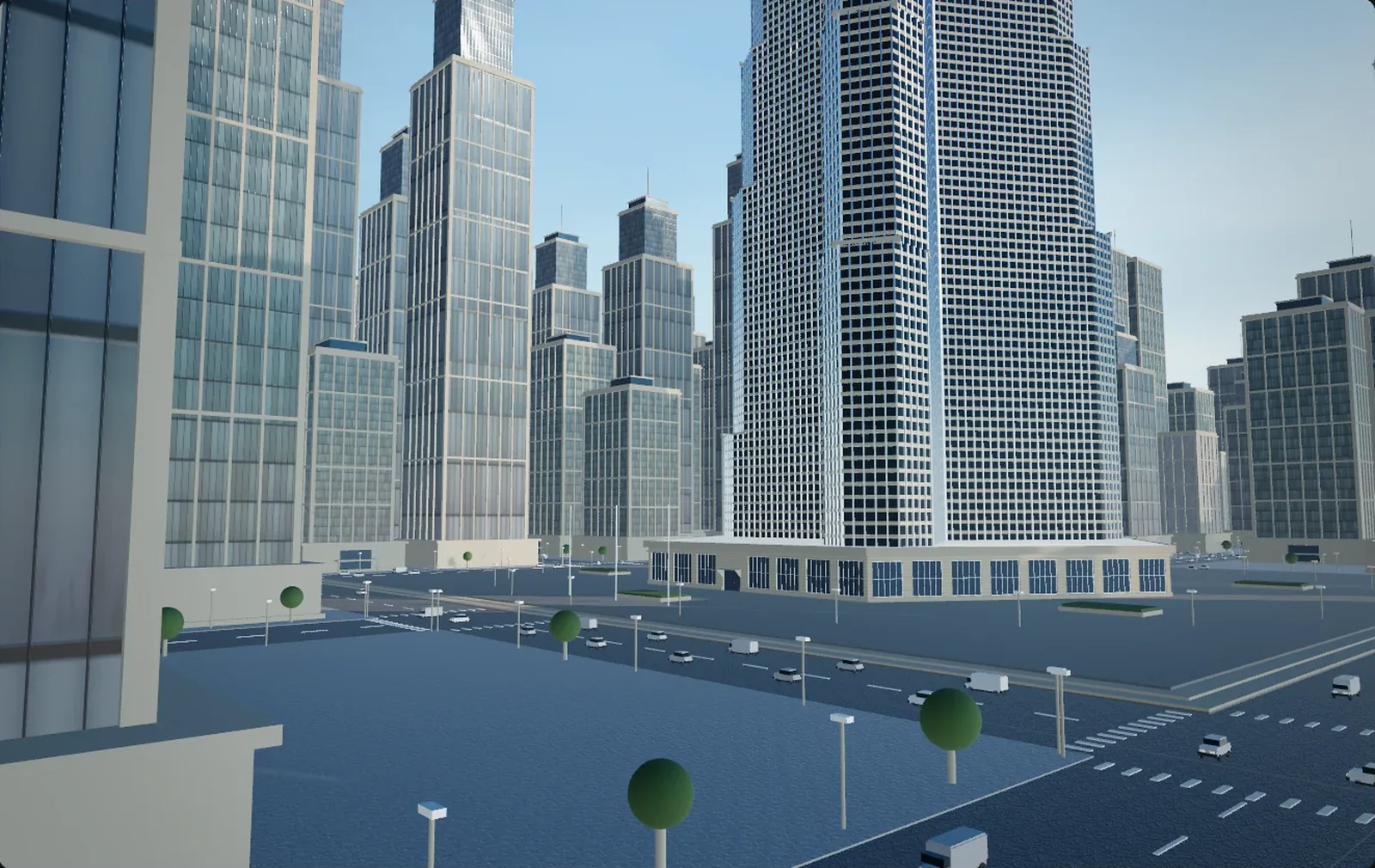
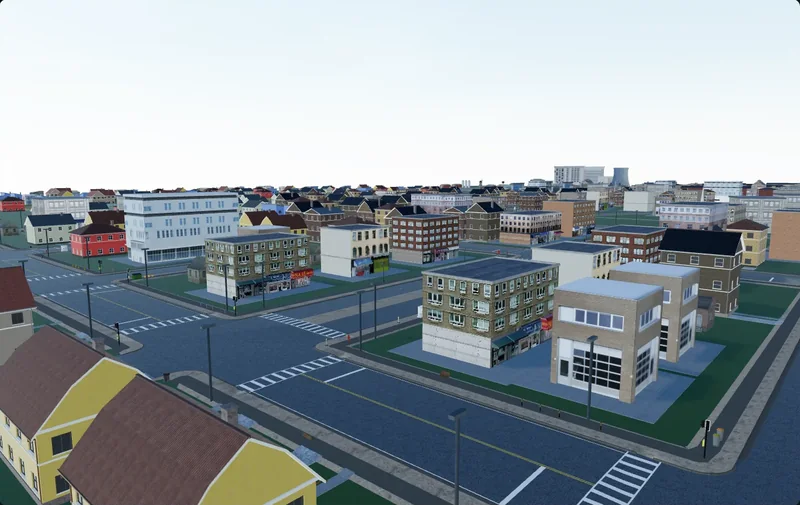
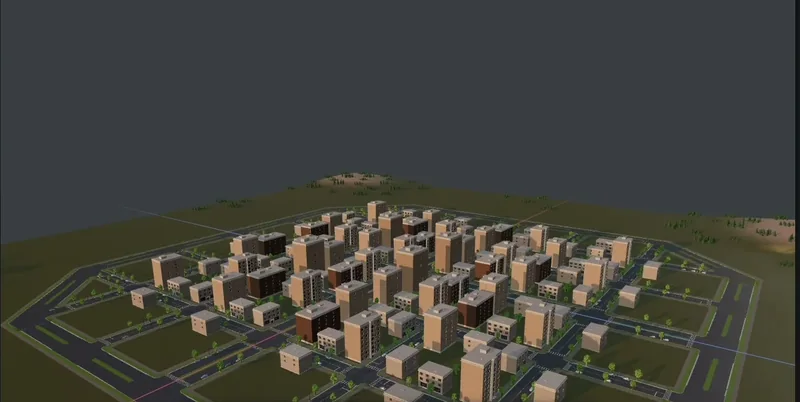
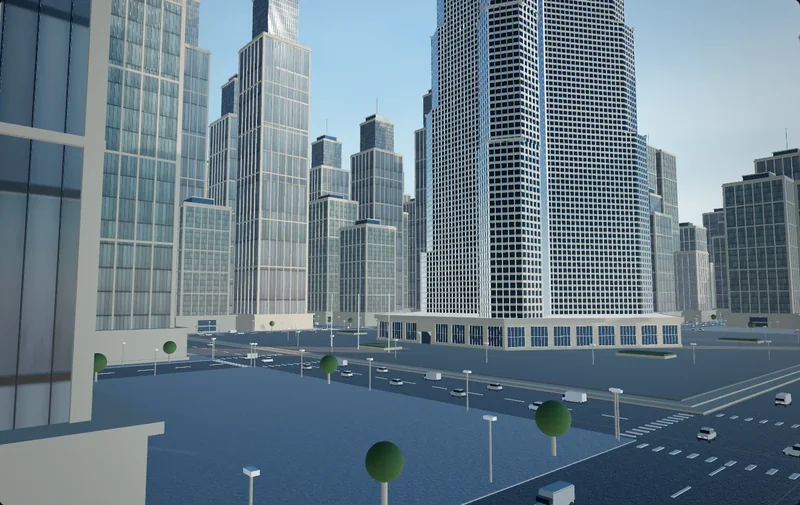
A GLB of a forty-building district lands in the Content Drawer as a hundred and sixty static meshes, and the mannequin's head clears the second-floor windows. That is the units, and it takes a minute to fix. An hour later you notice the whole district came in as one actor and World Partition has quietly decided it is always loaded. That one is structural, and far cheaper to fix at export than in the level.
Unreal rewards imported geometry differently from Unity: Nanite changes what a triangle budget means, Lumen changes what the lighting pass costs, World Partition changes what an actor is for. If you have just come from the Unity side of this problem, almost none of the habits transfer.
Centimetres, and the door test
One Unreal Unit is one centimetre. The character controller, physics, the navigation mesh, distance fields and the streaming grid all assume it, and none of them tell you when the assumption is wrong. The level just feels off.
The check that takes ten seconds
Drop the mesh at the origin, drag the third-person character out of the template content, and stand it in a doorway. The default character capsule is 34 uu in radius and 88 uu in half height — a 176 cm cylinder — so treat the player as roughly 180 cm. A doorway on a believable street is 210–230 uu tall and 110–140 uu wide. A 2.2 uu door means you are out by a factor of 100. A 220 uu door beside an 800 uu pavement means the units are right and the proportions are wrong, which is the generator's problem, not the importer's.
Where the factor of 100 comes from
FBX stores a unit scale factor in its global settings and Unreal reads it, which is why an FBX from a centimetre-based tool usually lands at the right size. glTF has no unit field at all — the specification simply declares metres — so the conversion is assumed rather than read. Measure the door, and if it is out by 100 set Import Uniform Scale to 100. Fix it on the asset or at export, never by scaling the actor in the level, where collision, distance fields and navigation all inherit the oddity.
FBX or GLB, and how each arrives
Which format is better in general is a separate argument. What matters here is what each turns into inside a UE5 project.
FBX
FBX goes through Unreal's long-standing FBX importer and produces assets: static meshes, materials, textures unpacked into the content folder. Combine Meshes decides whether you get one mesh or many, and for a district you want many. What it does not give you through the current Interchange path is the arrangement — Import Into Level does not accept FBX — so you get a folder of meshes and place them yourself.
glTF and GLB
glTF is handled by the Interchange framework. Textures and materials embedded in a .glb come in on their own, and imported materials arrive as instances of Unreal's glTF parent materials rather than fresh material assets — mildly irritating if your project has its own masters. The reason to prefer GLB for a whole location is File then Import Into Level, which Interchange supports for glTF: it reads the node hierarchy and builds actors in the arrangement the file described. For a district, that arrangement is most of the work. Which formats Import Into Level accepts has moved between engine versions, so confirm it in yours.
An editor like Cuberta, where an agent builds the location as separate objects and exports GLB or FBX with textures, hands you a file with that hierarchy in it. A district that arrives as one welded mesh threw it away before you started.
Nanite: what it changes, and what it does not excuse
When a generated mesh benefits
Nanite is a virtualised geometry pipeline for static meshes, and it earns its keep on genuinely dense geometry — decimated scan data, heavily kitbashed facades, roofs with real modelled detail — where hand-authored LOD chains are painful. It also collapses the draw-call arithmetic: instead of a draw per material slot per instance, a Nanite scene costs closer to one draw per material.
When you cannot enable it
- Skeletal and vertex-animated meshes. Nanite is for static meshes; anything skinned, morph-target driven or animated in the vertex shader sits outside it.
- Translucent materials. A Nanite mesh with a translucent material renders as nothing at all — the standard explanation for a building that is in the outliner and not on screen. Masked materials are supported in current versions, given a project setting and a correctly configured material.
- Hardware. Nanite needs DirectX 12 with Shader Model 6, or the Vulkan equivalent.
It does not fix your topology
Enabling Nanite welds nothing, flips no normal back, and does not resolve two shells in the same space. It builds a coarse fallback mesh from the same source, and that fallback is what complex collision and Lightmass use, so bad input still produces bad collision and a bad bake, just less visibly. On the boxy few-thousand-triangle buildings most generated districts are made of, Nanite is also not free: the pipeline has a fixed cost, and large screen-filling triangles are what its rasteriser handles least well. Enable it, measure, be willing to turn it off. Whether the geometry deserves the pipeline at all is an optimisation question.
How many material slots is too many
A static mesh gets one section per material slot. Without Nanite that is a draw call per slot per instance; with Nanite you pay closer to once per unique material, but each one is still shaded and still a shader permutation. For a generated building, one to four slots is healthy: wall, roof, glazing, trim. Past about eight you are paying for variation nobody will see, and four hundred buildings at ten slots each is a texture-streaming problem long before it is a beauty problem. Glass is the slot worth thinking about twice: translucent windows mean that mesh cannot be Nanite, so either split the glazing out and leave that piece alone, or make the windows opaque with a strong reflection.
Lumen, and when to bake anyway
New UE5 projects light with Lumen by default, and for generated content that default is a gift: no lightmap UVs, no bake, a district you can regenerate at noon and see lit at ten past.
Lumen has one requirement that generated geometry breaks constantly. Without hardware ray tracing it traces mesh distance fields, and distance fields cannot represent very thin features, or one-sided geometry viewed from behind. Walls thinner than about 10 cm leak light, and generated buildings are full of single-plane facades and zero-thickness walls — which is how dusk bleeds through a closed shop front. In order of preference: give walls real thickness when you generate them, enable two-sided distance field generation on the offenders, raise the distance field resolution scale on whatever still misbehaves. The same system punishes merging: a multi-storey building as one mesh gets a coarse distance field and self-occludes.
If you must bake — usually a hardware target that cannot afford Lumen — budget for it. Every mesh needs non-overlapping lightmap UVs, generated meshes rarely have them, and Unreal's automatic generation over messy topology is where the overlapping-UV warnings come from. With Nanite on, Lightmass works from the fallback mesh, so the baked silhouette is coarser than the viewport.
Collision: complex is a trap
An imported static mesh arrives with complex collision — its own triangles, used for traces — and no simple collision at all unless the file carried UCX_ shapes. The district is solid to a line trace and to nothing else, and the obvious fix is the wrong one:
If you are using UseComplexAsSimple you cannot simulate the object, but you can use it to collide with other simulated (simple) objects.
Per-polygon queries against a district's worth of triangles are expensive too, and with Nanite on you are querying the fallback mesh. What to use instead:
- Buildings: a box, or a handful of convex hulls. Nobody's character controller needs the cornice.
- Roads and pavements: a flat plane, or the landscape underneath — not the road mesh's triangles.
- Props: auto convex decomposition in the Static Mesh editor, kept to a few hulls.
- Anything that simulates physics: simple collision, always.
- Decorative geometry: no collision at all — on a generated district, often half the actors.
- Terrain and static-only scenery: complex collision is genuinely fine. This is what it is for.
If your source tool can export UCX_ shapes alongside the render meshes, use it. It beats generating hulls one asset at a time.
World Partition and the case for tiles
World Partition keeps the world in one persistent level, subdivides it into runtime grid cells, and streams those cells according to where the player is. The unit of streaming is the actor, and everything about how a generated district should be split follows from that.
A district imported as one actor cannot stream. Actors larger than the cell size get promoted to higher levels of the grid hierarchy, and actors straddling cell boundaries stay loaded whether or not anyone is near them. Import it as many actors — one per building, or one per small cluster — and the system does its job unasked.
Hence exporting in tiles rather than as one file. A district split into 100–200 m squares buys imports that finish, a natural granularity for actors, and the ability to regenerate one block without re-importing the other thirty. If your tool lets you constrain where it works — in Cuberta you can mark where the agent should build and where it should not — you can generate block by block: the same split, one step earlier.
Once the actors are in and spatially loaded, run Build then Build HLODs before judging how the place reads from a distance. HLOD generates simplified proxies for cells outside the streaming range, so the skyline stays instead of popping into nothing.
Short troubleshooting list
| Symptom | Usual cause |
|---|---|
| Everything is 100× out | A unit assumption at export; set Import Uniform Scale, then fix the exporter |
| Mesh is in the outliner, not on screen | Translucent material on a Nanite mesh, or inverted normals |
| Character walks through a wall | No simple collision; the trimesh only answers traces |
| Light bleeds into closed rooms | Walls under 10 cm thick, or one-sided |
| Overlapping UV warnings on a lighting build | Auto-generated lightmap UVs over messy topology |
| Nothing ever streams out | The district is one actor, or the actors are not spatially loaded |
| Everything is grey | Textures were not embedded, or the material instances lost their parent |
What actually decides the outcome
Nanite means you rarely have to argue about triangles; Lumen means you rarely have to bake. Between them they remove most of what used to make importing a large environment miserable. What UE5 does not forgive is structure: the units the file was written in, how many actors the district is made of, and whether anything ever told the engine what is solid.
All three are decided before you press Import, and two of them by whatever exported the file. Which is the argument for generating a location in something that thinks in metres and keeps buildings as separate objects, rather than a beautiful single mesh you then spend a week taking apart.