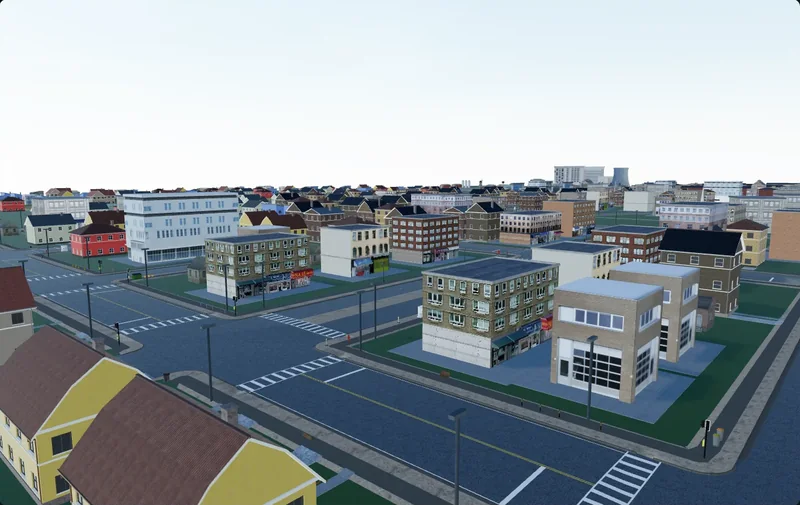
GLB vs FBX: Which Format to Hand Your Game Engine
What glTF/GLB and FBX each actually carry, where each one quietly loses data, and which to hand Unity, Unreal, Godot, Blender and the web.
Both formats will get a mesh out of your editor and into your engine. The argument is about everything attached to it: the material model, how textures are referenced, what unit the numbers are in, which way is up, whether the rig survives. Those differences are written down, so this has an answer rather than a preference.
What the two formats actually are
glTF 2.0 and GLB
glTF 2.0 is an open, royalty-free specification from the Khronos Group, the body behind Vulkan and OpenGL. It is a runtime delivery format — the data is already close to what a GPU wants, so a loader mostly uploads buffers. A .gltf file is JSON, with buffers and images alongside it or inlined as base64; a .glb packs the same JSON and one binary blob into one file. Base64 inflates binary data by a third, so GLB is what you ship.
The spec pins down what FBX leaves open. Linear distances are metres. The coordinate system is right-handed, +Y up, +Z forward. Angles are radians. Materials are metallic-roughness, in the core spec rather than an extension.
FBX
FBX began at Kaydara as the format for Filmbox, a motion-capture application; Autodesk acquired it in 2006. It is an authoring and interchange format rather than a runtime one, and it shows: NURBS surfaces, constraints, LOD groups, several animation takes, cameras and lights.
There is no public specification. The reference implementation is Autodesk's FBX SDK, shipped as closed-source binaries, which is why GPL-licensed tools — Blender among them — write their own readers. Files come in binary and ASCII, both using .fbx, and the format is versioned: FBX 2020 files are 7.7, and a tool built on a 2014-era SDK can read one and silently drop animation and custom properties. "Export as FBX" is not one thing.
The comparison, row by row
| glTF 2.0 / GLB | FBX | |
|---|---|---|
| Owner | Khronos Group, open royalty-free spec | Autodesk, no public spec; the reference reader is a closed SDK |
| Material model | Metallic-roughness PBR in the core spec | Lambert and Phong; PBR travels by vendor convention |
| Textures | PNG and JPEG in core, KTX2 by extension; embedded in GLB | Any format the DCC writes; embedded only with Embed Media |
| Units | Metres, mandated | Whatever UnitScaleFactor says; centimetres by default |
| Axes | +Y up, +Z forward, right-handed, mandated | Declared per file in GlobalSettings; differs by application |
| Animation | Baked node and morph-weight tracks; step, linear, cubic spline | Takes, constraints, blend shapes, animated cameras and lights |
| Custom data | extras JSON on almost any object | User properties, with import hooks in Unity and Unreal |
| Engine support | Native in Godot, Interchange in Unreal, a package in Unity, default on the web | Native in Unity, long-established in Unreal, ufbx in Godot and Blender |
Where each one loses data
Materials, the real difference
glTF's core material is metallic-roughness with a fixed channel layout: roughness in green, metalness in blue, ambient occlusion in red, so one packed image serves all three. Base colour, normal and emissive have their own slots. Nothing has to be mapped — a metallic-roughness material authored in Blender or Substance arrives as one.
FBX defines Lambert and Phong. Neither is PBR. Every exporter that writes PBR into an FBX does it by convention, not by spec — most often through Autodesk's Stingray PBS property namespace — and every importer has to recognise the convention the exporter used. An FBX arriving with the roughness map in a specular slot, or with metallic and roughness empty, is that mismatch: the largest practical difference between the two formats.
Embedded versus referenced textures
GLB embeds by construction: images live in the same binary buffer as the geometry, so one file moves the whole asset. Core glTF allows PNG and JPEG; the KHR_texture_basisu extension adds KTX2 containers of Basis Universal data, which stays GPU-compressed in video memory instead of decoding to raw RGBA.
FBX references by default, and paths break when a file crosses a machine. Embed Media, in the Maya, 3ds Max and Blender exporters, puts them inside the FBX; on import they extract into an .fbm folder beside it. The cost is size — a megabyte becomes tens of megabytes once 4K maps are in. It is off by default in most exporters, which is why so many FBX files arrive pink.
Skinning, animation and custom properties
glTF stores baked results: translation, rotation, scale and morph-weight tracks on nodes, interpolated as step, linear or cubic spline. Skin influences come in sets of four — JOINTS_0 with WEIGHTS_0 — further sets are legal but reader support varies, and Unreal's Interchange glTF importer has been reported to truncate to four per vertex regardless. Send a rig with IK and constraints through glTF and you get the motion, not the rig.
FBX carries the authoring data instead: multiple takes, blend shapes, constraints, animated cameras and lights. Custom data only half reverses the picture. glTF has extras, arbitrary JSON the format preserves and most engine importers ignore unless you write a hook; FBX user properties have the better-trodden path, through OnPostprocessGameObjectWithUserProperties in Unity and an FBX metadata pipeline in Unreal.
Rotated ninety degrees, or a hundred times too big
Units. An FBX carries a UnitScaleFactor in its GlobalSettings block, and the format's base unit is the centimetre — factor 1 means centimetres. A 2 m door authored in a metric scene and written out untouched becomes "2" in a file declaring those units centimetres: 2 cm to a reader that trusts the header, 2 m to one that ignores it. Unity's FBX importer defaults Scale Factor to 0.01 for exactly this reason. glTF has no such knob — metres is a requirement, not a setting. Unreal is the mirror image: its world unit is the centimetre, so a metric GLB needs a factor of 100 on the way in, and a building that lands a hundred times too small is that multiplication going missing.
Axes. glTF mandates +Y up. FBX declares its up and front axes per file, and applications disagree by default: 3ds Max and Blender are Z-up, Maya and Unity are Y-up. Blender's glTF exporter has a +Y Up option, on by default; its FBX exporter asks you to pick Up and Forward, and a pick that disagrees with the reader puts the asset on its back — in Unity, usually a -90 degree X rotation baked onto the imported root, which then argues with every script reading the object's forward vector.
Neither failure is corruption. Both are conventions two programs disagreed about, and two checks catch nearly all of them: put a 2 m reference cube next to the import, and look at the root object's rotation.
What to export, per engine
Unity
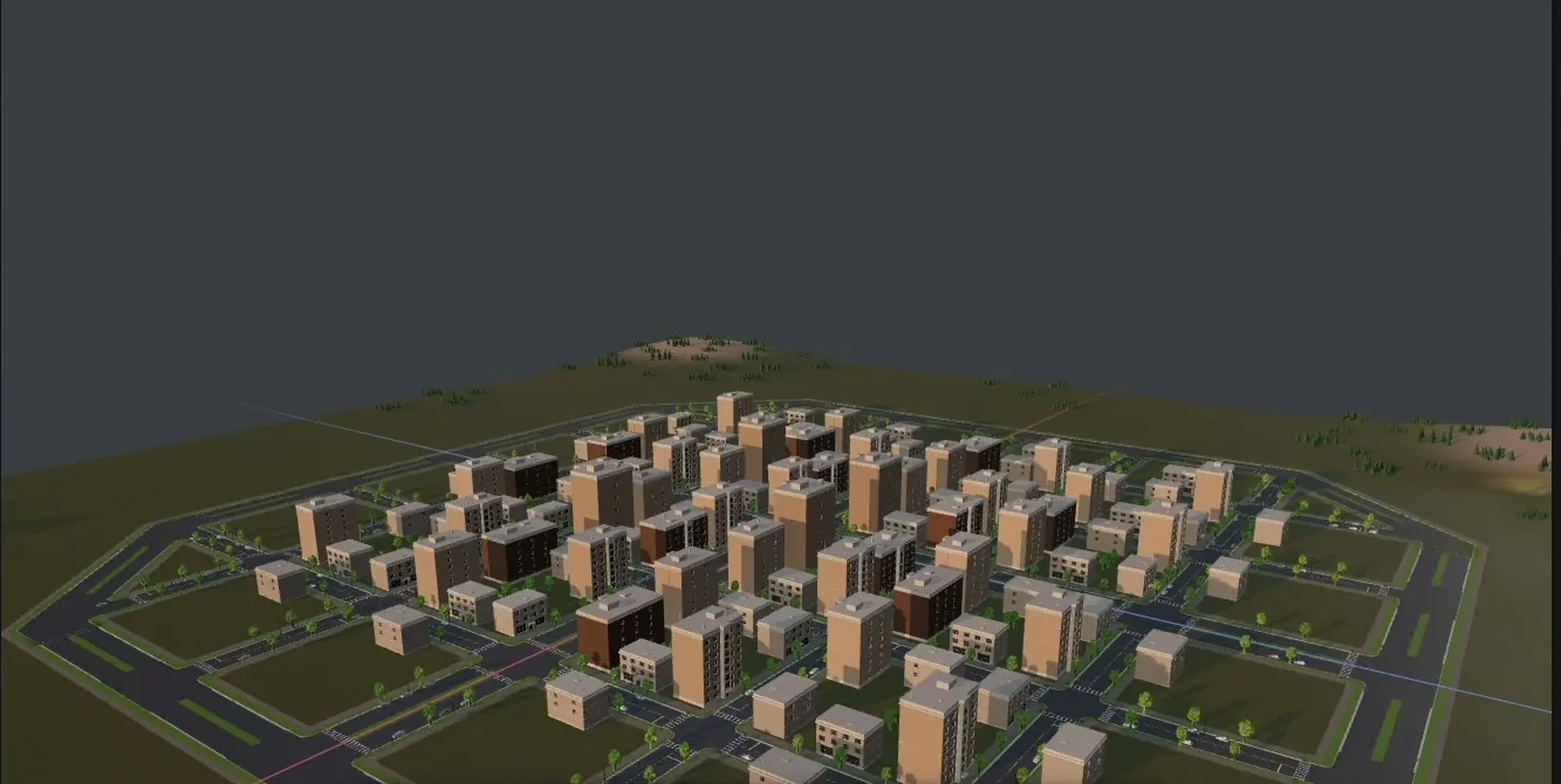
FBX is the native path; Unity reads it with nothing installed. glTF runs through Unity glTFast, the com.unity.cloud.gltfast package, which handles editor import and runtime loading across built-in, URP and HDRP — but someone has to add it. Export FBX if the project has no glTFast and no plans for one; export GLB if it does, and especially if anything loads models at runtime, where a self-contained file with a native PBR material is much less work. The same choice applies to whole generated environments, where the material count alone makes the FBX convention problem expensive.
Unreal Engine
Unreal takes both. FBX has the longer history and the deeper tooling. glTF now imports through the Interchange framework, whose plugins are on by default, and Epic has scheduled the older glTF Importer and Datasmith glTF Importer plugins for removal. Materials favour glTF, since metallic-roughness maps onto Unreal's model with no re-interpretation; skeletal work still favours FBX, partly for the influence limit above. Unreal is Z-up, left-handed, in centimetres — Epic has said it intends to move toward a Y-up right-handed convention incrementally, starting in UEFN, but today's editor is still Z-up. GLB for environments and props, FBX for characters.
Godot
The documentation says glTF 2.0, recommended, in those words. FBX imports natively since Godot 4.3 through the open-source ufbx library; before that it needed FBX2glTF, an external binary linked against the proprietary Autodesk SDK. Godot is Y-up, right-handed and metric — the conventions glTF mandates — so nothing is converted on the way in. GLB, without a caveat worth writing down.
Blender
Both round-trip, but not equally. The glTF importer and exporter were built with Khronos and ship with Blender. FBX has never been allowed to use Autodesk's SDK, for licence reasons; the importer was rewritten in C++ on ufbx and is the default in Blender 5.0, while the exporter is still the Python one. Use GLB, unless the file is going to someone in Maya or 3ds Max.
Web and three.js
Not a contest. GLTFLoader is the maintained, recommended path; FBXLoader exists and does not open every file it is handed. One GLB is one request with no missing dependencies. Add Draco or meshopt for geometry and KTX2 for textures, which matters more than download size on a phone — trimming a generated scene is a separate job with its own decisions.
When the answer is export both
Exporting twice from one source costs seconds, and several situations call for it:
- You do not control the receiving pipeline. A marketplace listing, a client hand-off, another studio.
- The model has two destinations. The engine build and a web viewer want different things from it.
- Different parts go different ways. The environment enters the engine as GLB while a character goes back to an animator as FBX.
- You are isolating an import bug. If the GLB comes in clean and the FBX does not, the problem is the FBX material convention, not your mesh.
Cuberta exports GLB or FBX with textures included, so running that comparison on a generated location is a two-minute experiment rather than a re-authoring job. Worth doing once per project, before four hundred objects ride on the assumption.
The check when the file lands
Two minutes of looking, in this order, catches nearly everything:
- Scale. Put a 2 m reference cube beside it. Doors and steps tell you fastest.
- Orientation. The imported root's rotation should be zero; a -90 on X means an axis convention was crossed.
- Material count. Matching the source, or collapsed into one slot.
- Textures. Base colour in sRGB, normal and packed maps in linear. Grey or magenta means a reference did not resolve; look for the
.fbmfolder beside the FBX. - Shading. Faceted where it should be smooth means smoothing groups or tangents did not survive.
- Skinning. Maximum influences per vertex, and whether the bind pose matches.
- Names. Hierarchy names, because scripts and prefab variants key off them.
The rule that falls out of this is duller than the argument that produces it: use glTF and GLB unless something specific in your pipeline needs FBX, and be able to name that thing. Godot recommends glTF outright, Unreal is retiring its old glTF plugins for a first-class importer, and Unity publishes its own. FBX is not going anywhere — it is how authoring applications talk to each other, and it carries rigs glTF cannot describe. But as the thing you hand a runtime, it has been losing ground for reasons written in the specifications rather than argued on forums.