AI-Generated Levels in Godot: From GLB to a Real Scene
Import a generated location into Godot as GLB, then give it collision, occluders, lighting and a re-import path that does not throw away your work.
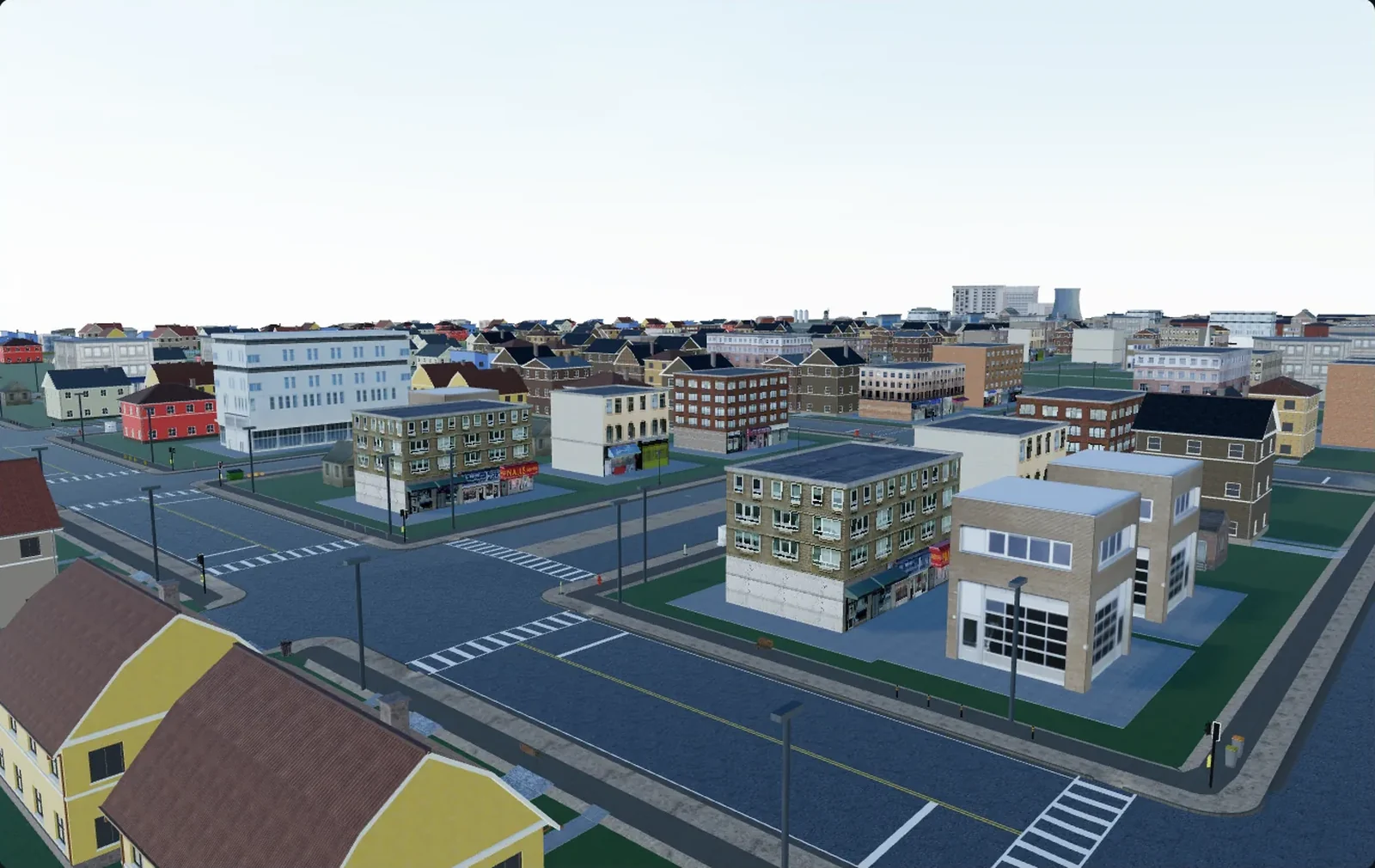
Drop a .glb into a Godot project folder and it is already a scene. No plugin, no conversion utility, no dialog asking what a unit means. glTF is the format Godot's own documentation marks as recommended, and the importer ships with the engine. That is the shortest path from a generated location to something you can walk around in — and where the easy part ends. Everything the file cannot carry you still have to build: collision, occluders, a lighting decision, and a re-import path that does not throw away last week's work.
Why glTF is the shortest path into Godot
Godot's supported-formats page is blunt about the ranking: glTF 2.0 is listed as recommended, in both the text .gltf and binary .glb flavours. FBX works — since 4.3 through the ufbx importer rather than the old FBX2glTF converter — and .blend files import directly, though that route calls Blender's own glTF exporter behind the scenes.
Nothing has to be reinterpreted. Godot is right-handed, Y-is-up, with -Z as the camera's forward direction — the convention the glTF 2.0 specification codifies — and both sides work in metres. A 2.1 m door in the source file is a 2.1 m door in the viewport, with nobody touching a scale factor. The longer format argument lives in GLB versus FBX for game engines.
One consequence shapes everything after this: Godot cannot save over the original 3D file. It writes a sidecar .import and keeps the converted resources in the project's hidden .godot folder, so the .glb stays the source of truth and the imported scene is regenerated from it every time. Support is first-class in exported projects too, so the same file can be loaded at runtime through GLTFDocument.
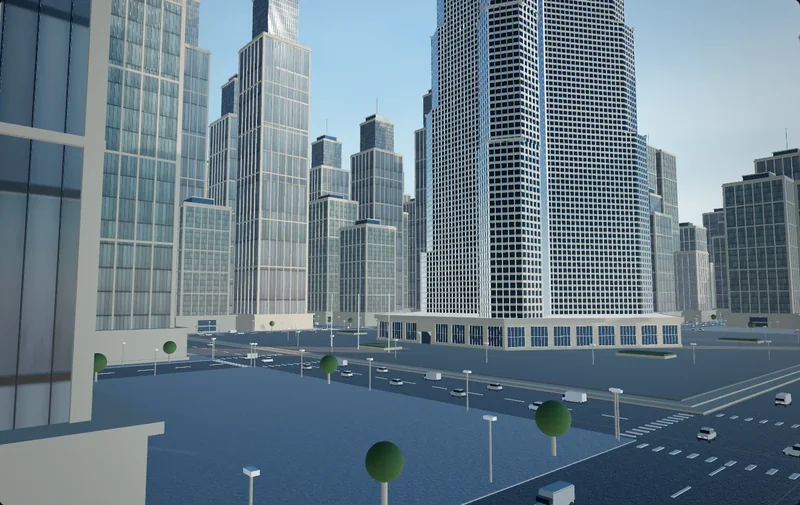
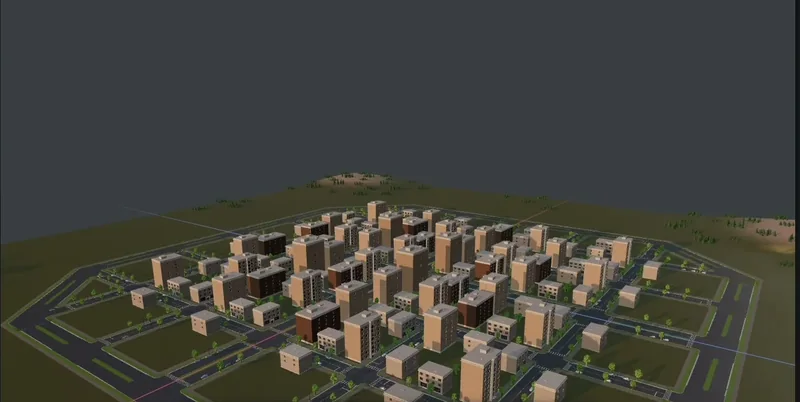
Cuberta exports GLB with textures included, so a district an agent laid out — roads, junctions, pavements, blocks of buildings, street furniture, lighting — arrives as one file you copy into res://.
The import settings that matter for a district
Click the .glb once in the FileSystem dock and the Import dock fills with options. Most defaults are fine for a character. Very few are sized for a town.
| Setting | For a district | Why |
|---|---|---|
| Meshes > Generate LODs | Leave on | Distant buildings shed triangles unattended; 4.6 improved shape retention on multi-part meshes. |
| Meshes > Create Shadow Meshes | On | Welds vertices for the shadow pass: one import cost, bandwidth saved every frame. |
| Meshes > Light Baking | Static Lightmaps only if you will bake | It unwraps UV2 on import — the slow part of a large file. |
| Meshes > Lightmap Texel Size | 0.5 or higher | The 0.2 default is sized for a room, not a district. |
| Meshes > Ensure Tangents | Off with no normal maps | Smaller output, faster import. |
| glTF > Embedded Texture Handling | Extract Textures | Real image files you can give VRAM compression and mipmaps. |
| Animation > Import | Off for static geometry | Nothing to import. |
The Advanced… button below the dock — or a double-click on the file — opens the Advanced Import Settings dialog. Per-node work happens there: a tree of every glTF node on the left, a preview in the middle, options on the right, including Skip Import for the helper geometry that always sneaks into an export.
Making it editable: inherited scenes and instances
You cannot edit the imported scene directly, and that is deliberate — the whole tree is regenerated on reimport, so edits inside it would be discarded. Choose Scene > Open Scene… on the .glb and Godot offers an inherited scene instead; right-clicking the file and picking New Inherited Scene lands in the same place.
The documented limits there are exactly two: base nodes cannot be removed, though new ones can be added anywhere, and subresources cannot be edited in place. For materials the fix is Actions… > Extract Materials, which writes .tres files and rewires the scene to reference them. The alternative is to instantiate the location inside a level .tscn and keep changes there.
- Belongs to the location — collision proxies, occluders, the LightmapGI node, navigation regions. Inherited scene, one per .glb.
- Belongs to the game — player start, triggers, spawns, the door that opens. The level scene that instantiates it.
- Belongs to the material — a custom shader on the road. Extracted .tres files, which survive reimport by design.
Collision a district can afford
Godot generates collision two ways. Per node in the Advanced Import Settings dialog, Generate > Physics creates a PhysicsBody3D parent with collision shapes as siblings of the MeshInstance3D; Body Type picks StaticBody3D, RigidBody3D or Area3D, and Shape Type picks the shape. The docs are direct: Trimesh gives precise per-triangle collision but only works with a static body, and "for static level geometry, use Trimesh". Decompose Convex adds a Precision setting, where higher means more detail and more CPU.
The other way is name suffixes read off the source file. -col adds a triangle-mesh static collider as a child; -colonly removes the visual mesh and leaves a StaticBody3D; -convcol and -convcolonly do the convex versions. The separator can be -, $ or _ and matching is case-insensitive — worth knowing in the other direction, because a generated object called shop_col will surprise you. Set nodes/use_node_type_suffixes to false and the mechanism goes quiet.
- Ground, roads, pavements, kerbs, stairs — Trimesh. The player walks on these; shape fidelity is the point.
- Building shells — not Trimesh. A 30,000-triangle facade becomes a 30,000-triangle collider you will only ever bump into. Add a box or two by hand.
- Street furniture, fences, lamp posts — convex, or nothing where the player cannot reach.
- Vegetation — usually nothing. A collider on every leaf card is a bill nobody agreed to pay.
Godot says it more compactly: where possible, use a few primitive shapes rather than triangle mesh or convex ones. Since 4.6 the default 3D physics engine is Jolt — faster than the old default, not fast enough to make a town of trimesh buildings a good idea.
Lighting: bake it, or let SDFGI carry it
| Aspect | LightmapGI | SDFGI |
|---|---|---|
| Bake step | Minutes on the GPU, repeated after any geometry change | None; cascades build around the camera |
| Needs UV2 | Yes — Light Baking set to Static Lightmaps | No |
| Dynamic objects | Receive indirect light through probes | Receive GI, never contribute to it |
| Reflections | None; pair with ReflectionProbe or a Sky | Its own, on opaque materials only |
| Runtime cost | Near zero; fine on integrated graphics | The most expensive GI option Godot ships |
| Breaks down on | Iteration speed | Fast camera movement, where cascade shifts show |
The documentation has a line about lightmaps that looks like it settles the question:
Not viable for procedurally generated levels.
That verdict is about levels generated at runtime, and for those it is correct. A location generated once, exported and frozen is static geometry like any other building, and the bake works fine. The catch is how much work "frozen" is doing: while you are still moving the harbour and widening the main street, every reimport invalidates the bake, and a district bake is measured in minutes.
So the split is temporal rather than technical. Run SDFGI while the layout moves — enable it on the Environment, no bake at all, and it only asks that meshes have their global illumination mode set to Static, which the Import dock's Light Baking option controls. When the layout settles, switch to Static Lightmaps and bake once. The UV2 unwrap is cached across reimports, and the resulting .unwrap_cache files belong in version control: they keep UV2 consistent across machines and engine versions.
Occlusion culling, because a town is mostly walls
Godot's optimization docs use a town as the worked example: walking down a street you see a few buildings, the sky and some birds, while a naive renderer submits the street behind yours, the people on it, and the buildings behind them. The depth prepass spares you the shading, not the submission.
Turn on Rendering > Occlusion Culling > Use Occlusion Culling in Project Settings — it needs the Advanced toggle and applies without a restart. Add an OccluderInstance3D, select it, and press Bake Occluders in the 3D viewport. Three things decide whether that bake helps:
- Only MeshInstance3D nodes are baked. MultiMeshInstance3D, particles and CSG are ignored, so vegetation you moved into a MultiMesh stops being an occluder.
- Transparent materials are excluded. A plaza of glass towers occludes nothing. The docs note the technique is most effective indoors, with many small rooms and regular opaque walls.
- Use the mask and the simplification. Bake > Cull Mask keeps dynamic objects out; Bake > Simplification trades accuracy for CPU — if objects vanish when they should be visible, that value is too high.
Occluders can also come from the import: Generate > Occluder offers Mesh + Occluder or Occluder Only with a Simplification Distance, and the -occ and -occonly suffixes do the same from the source file. To see what is actually being culled, open Perspective > Display Advanced > Occlusion Culling Buffer.
Node counts, instancing and where it starts to hurt
A generated district arrives as one MeshInstance3D per exported object. Several hundred nodes is not the problem; draw calls are. Forward+ instances automatically when MeshInstance3D nodes share the same mesh and the same material, with no setup — but only for opaque or alpha-tested materials, never alpha-blended ones, and not at all in the Mobile or Compatibility renderers.
That is the trap worth checking first. An exporter that gives every object its own material silently switches automatic instancing off, and forty identical lamp posts become forty draw calls. Look at the material count before the triangle count; Extract Materials and pointing duplicates at one resource often does more for frame time than anything you can do to the meshes, which is a subject of its own.
MultiMesh answers the things that arrive in thousands — grass, cobbles, fence sections, trees. Godot's docs put the boundary at thousands of constantly-processed instances for going through the servers directly, and hundreds of thousands or millions for MultiMesh. The cost is that instances get no individual frustum culling: a MultiMesh is drawn entirely or not at all, so split it per block.
For distance, Mesh LOD from the import option is automatic and Visibility Ranges are the manual complement. The docs' own example is a city block: give a low-detail BatchOfHouses mesh a Visibility Range Begin and set it as the Visibility Parent of the four detailed houses. Watch Objects Drawn and Draw Calls in the debugger's Monitors tab while you do it; intuition about which change mattered is wrong about half the time.
Re-importing without losing a week
Here is the scenario that decides whether the workflow is real. You change the town in the generator, export, overwrite location.glb, Godot reimports. What happens to two days of Godot-side work?
Some of it survives by design. Extracted materials are not overwritten on reimport, with the caveat that renaming a material in the source breaks the link. The UV2 unwrap cache survives; animations saved to file keep the tracks you added. What quietly does not survive is anything addressed by NodePath into the imported tree: if the export renames Building_014 or reorders siblings, overrides in an inherited scene land on nothing. There is also an open bug as of 4.7 where saving an inherited scene after a GLB reimport regenerates node unique ids, filling .tscn diffs with churn.
- Keep your work as siblings, not children. Collision proxies, occluders, the LightmapGI node and spawn points go under your own node, not parented to imported nodes whose names you do not control.
- Use an import script. The Import dock has an Import Script > Path field pointing at an EditorScenePostImport with a
_post_import(scene)function. Assigning collision by name pattern, setting GI modes, swapping materials — anything expressed as code re-runs on every reimport. - Export in pieces. One .glb per district, or one per building type plus a layout file. A change to the harbour then reimports the harbour and leaves the old town alone. In Cuberta this is a matter of marking where the agent should and should not build.
Godot's advantage here is real but narrow. It removes the format friction — no conversion step, no unit negotiation, no axis flip — and that is worth more than it sounds when you reimport the same location twenty times. What it does not remove is the level design. The imported tree is geometry with names on it; collision, occlusion, lighting and the decision about what is one object and what is a thousand are still yours. The only thing worth automating is that they happen the same way every time you press Reimport.